Proclaimer
Table of Contents
1. What the heck
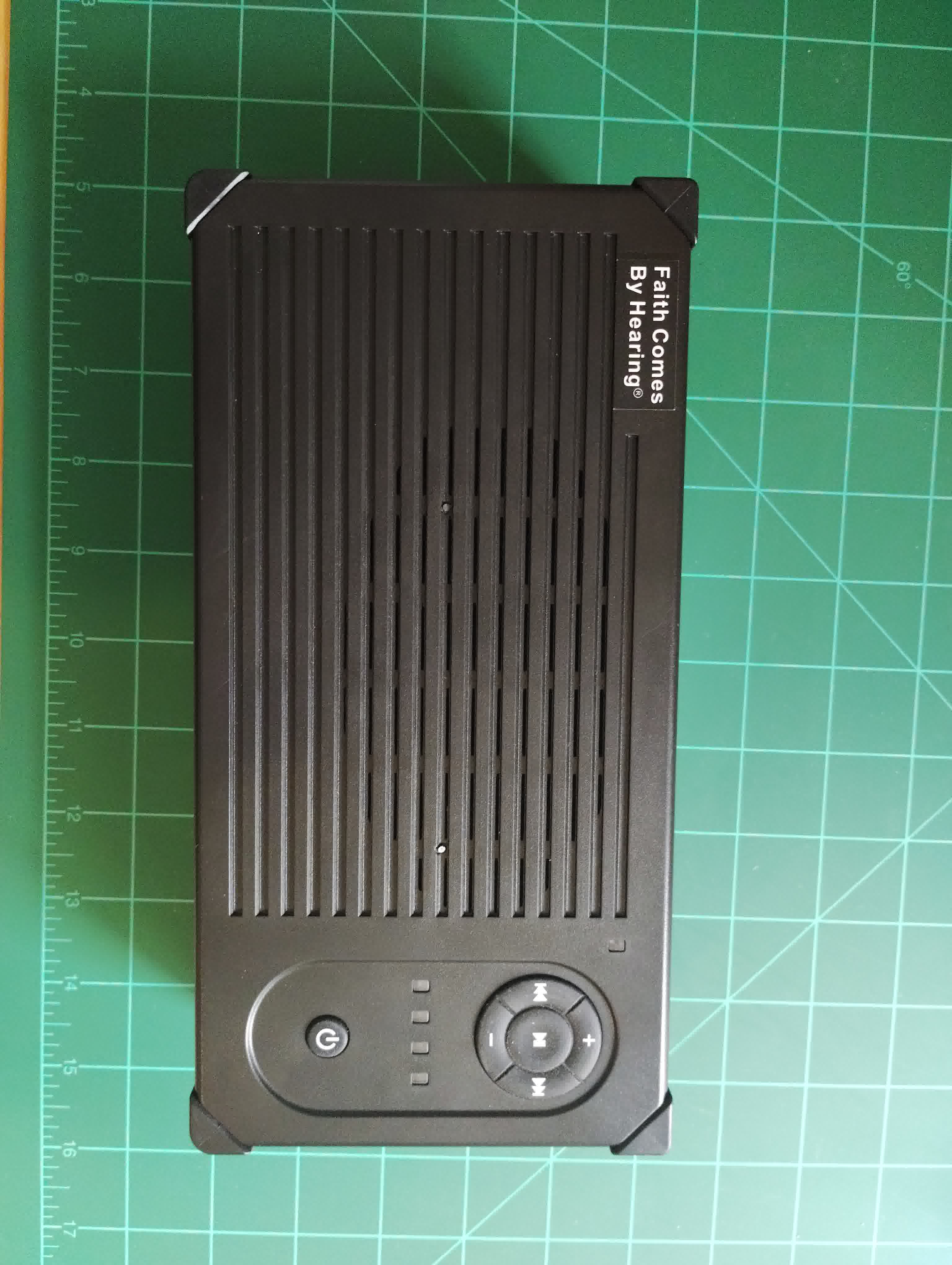
Recently I went to a thrift store and found an interesting device. It's called the "Proclaimer®" from a company called "Faith Comes by Hearing®". The device stood out to me because it has:
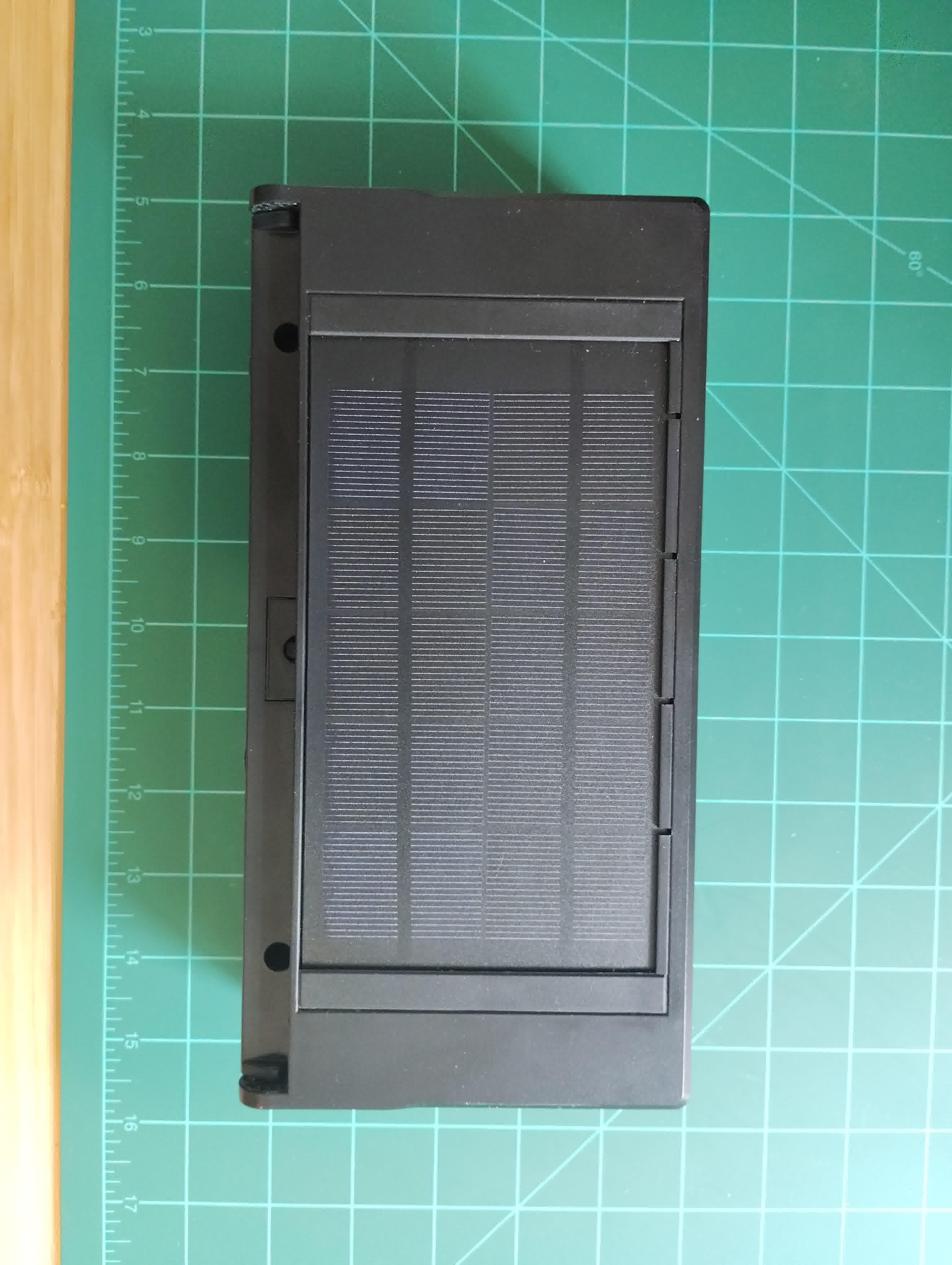
- A solar panel
- Dynamo
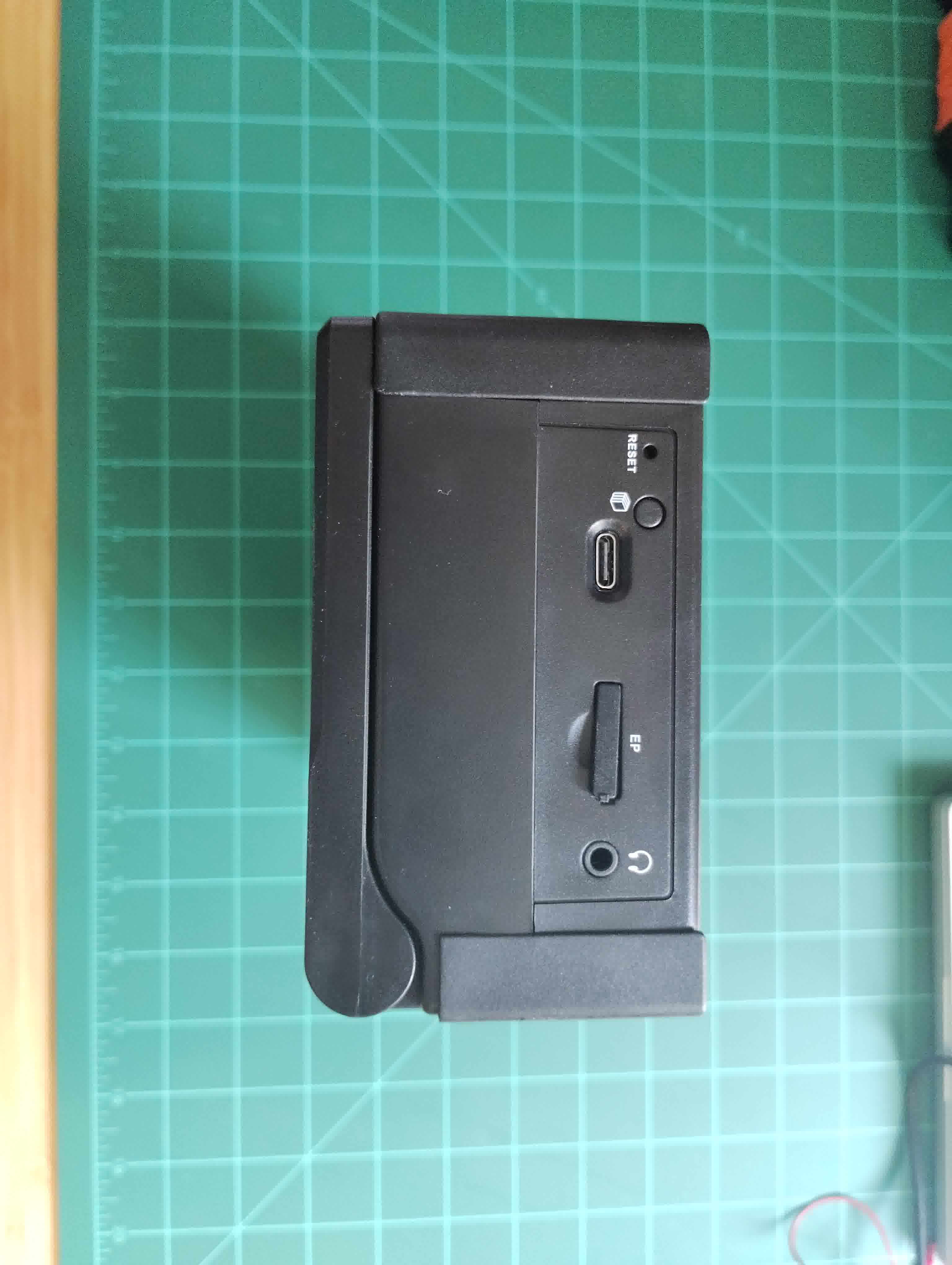
- USB-C
- µSD card
- Audio controls
It took me a bit to realize what it was. Especially because when I turned it on I heard a language that was very strange to me. Turns out it's a Bible audio device. This model has the bible in Ndau – a language spoken in Zimbabwe.
I pulled out the µSD card to see what the files where. My hope was that they were just MP3, but it turns out they are an encrypted audio file with the extension ".smp"
I am very impressed by the effort put into a "Missionary in a box" device like this.
2. Images ATTACH
3. Components
3.1. Chips
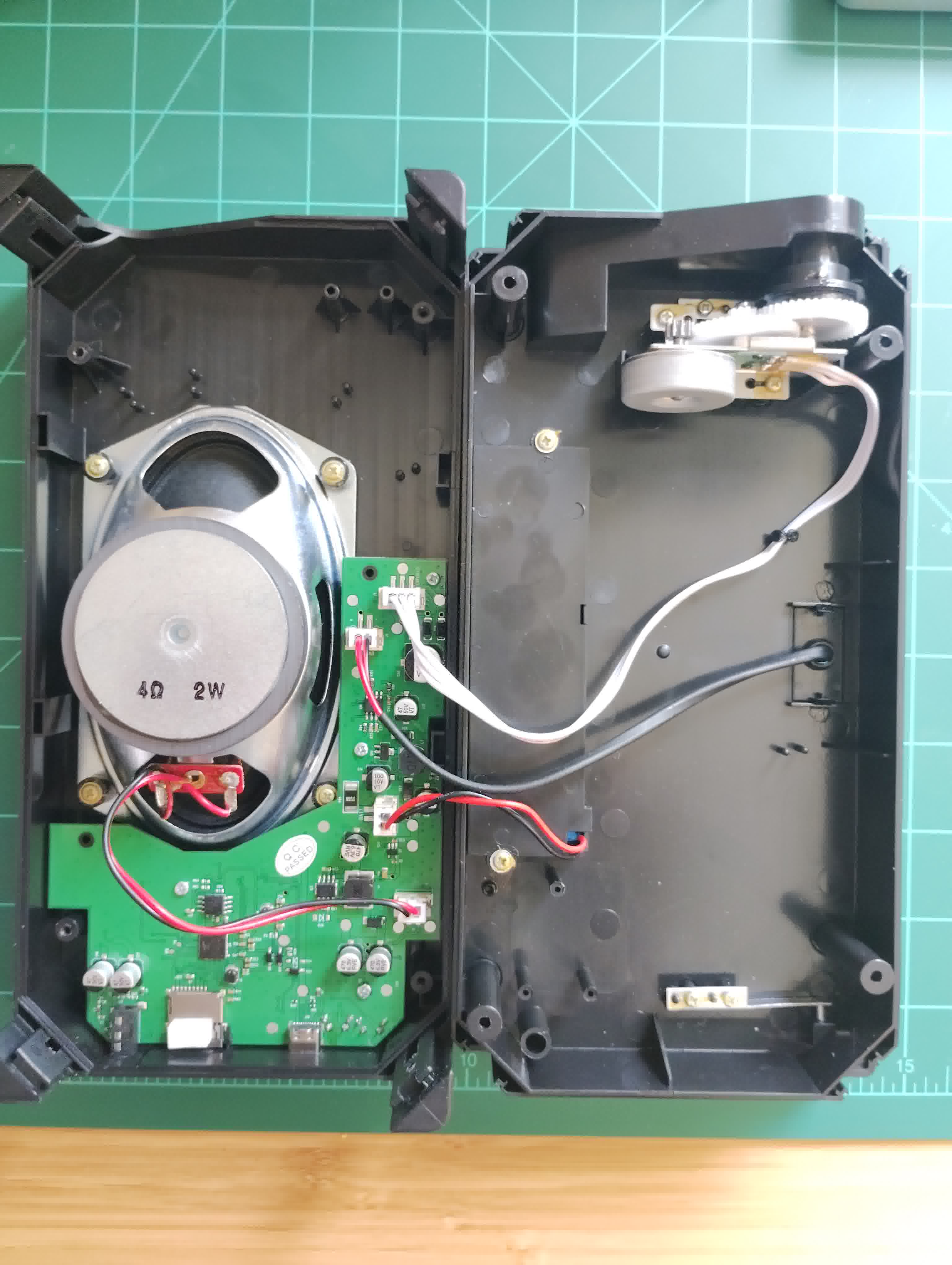
- ATJ2157 FP51AMQ 36K
- Audio processor
- cFeon Q32C-104HIP X20Q101 2248HLB
- SPI Flash storage
- XA5002 1 7042 HBRDHA
- Audio amp
- Unknown
- Near the power control components
- Unknown
- Near the power switch on the crontrol interface side of the PCB
The ATJ2157 is a pretty common chip, found a in a lot of cheap mp3
players.
3.2. Dynamo
Gears are exposed to the inside of the case, and grease seems to spatter about a bit.
3.3. Solar panel
6.2V output in direct sun light.
3.4. Speaker
Big old school speaker. 4Ω 2W.
3.5. Battery
3.2V 2400mAh LiFePO4 (Mottcell)
4. Notes
4.2.
Thanks to a friend, the files can be "decrypted" using 1 byte xor with 0x57.
#include <stdio.h>
#include <fcntl.h>
#include <errno.h>
#include <unistd.h>
#include <stdlib.h>

int main(int argc, char **argv) {
  int f = open(argv[1], O_RDONLY);
  if (f == -1) {
    perror("open");
    return 1;
  }

  char buf[4096];

  unsigned char xor = 0x57;

  while (1) {
    int n = read(f, buf, sizeof(buf));

    if (n == 0) {
      break;
    }

    for (int i = 0; i < n; i++) {
      printf("%c", buf[i] ^ xor);
    }
  }

  // When re-"encrypting" files, uncomment this.
  // printf("lsr");
}
To put file onto the device that it can play, you need re-encode the audio you want to play to match the encoding the device expects:
fmpeg -i $i -c:a libmp3lame -b:a 64k -ar 22050 -joint_stereo 1 small-$i
Once they are re-encoded, run the above C program (with the "lsr" line commented out) against all the files and copy the output onto the µSD card.
4.3.
- USB-C seems to only be for power.
- There are "RX" / "TX" pads above the ATJ2157.
5. Links
- smp2mp3
- potential tool to encrypt / decrypt the files. It seems I would need to extract the private key from the device.
- actions_flash
- a tool for dumping the firmware from ATJ chips.
- audiocube
- a python tool for encrypting / decrypting .smp files.